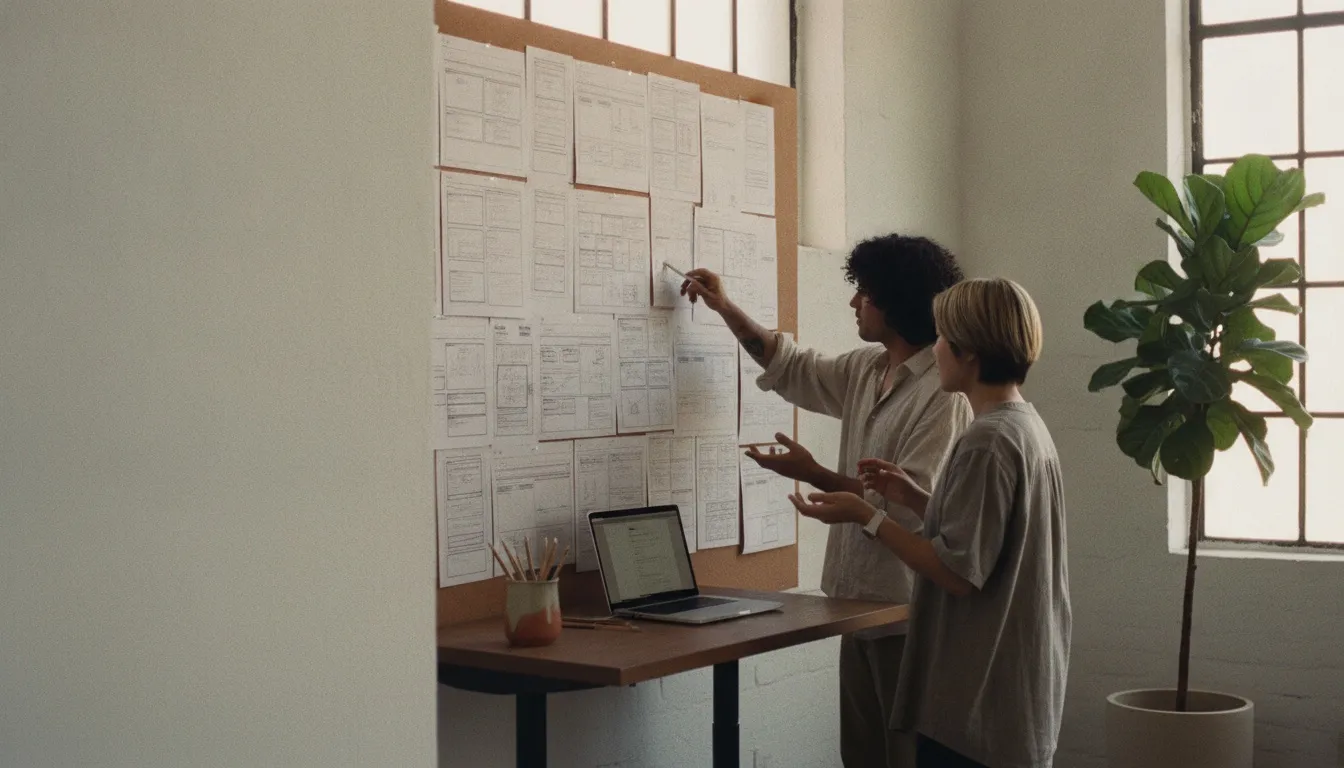
Two designers reviewing website wireframes printed and pinned to a wall in a bright Guadalajara studio, laptop open on a standing desk

/Nearshore · Website design

Nearshore website design, inside your working day.

Nearshore website design puts the people who design and build your site in Mexico or Colombia, in time zones that share most of the US working day. That matters most when marketing, brand, legal and product all need a say on the same pages. This guide covers which website work needs those shared hours, how reviews and launches run, who should own the accounts and when offshore is the better fit. For the service itself, see our website design and development page.

What the nearshore model means for a website

A nearshore web team works from a neighboring country, during your business day, in your design files, CMS and repository. For US companies, Mexico and Colombia are the two main options, and the clock is the main reason.

Mexico’s time-zone law, published in October 2022, ended daylight saving time for most of the country. Mexico City, Guadalajara and Monterrey stay on UTC-6 all year: US Central time in winter, Mountain time in summer. Quintana Roo, Sonora and some border areas keep different schedules.

Colombia stays on UTC-5 all year, matching US Eastern in winter and Central in summer. Either way, your designer is online while your marketing lead is reviewing pages, from the East Coast to the West.

Sources: Mexico, Ley de los Husos Horarios (Cámara de Diputados) Colombia legal time, Instituto Nacional de Metrología

Website work that needs shared hours

Not every page needs a live conversation. The work below does, because it depends on quick decisions from people on your side.

  • Discovery and UX workshops: goals, audiences, sitemap and the pages that matter most, agreed in a room or on a call.
  • Design reviews with several stakeholders, where feedback conflicts and someone has to decide on the spot.
  • Iterative CMS builds alongside your marketing team, as they write copy and load content into new templates.
  • Bilingual sites in English and Spanish, where wording, layout and SEO change together.
  • Launch week: redirects, analytics checks, form tests and the fixes that turn up once real visitors arrive.
  • Conversion work on live pages, where a designer and a marketer test a change and read the results together.

Discovery and design reviews in real time

Most website projects slip in review, not in build. A homepage draft goes out, five people reply with different notes, and the designer waits a day to find out which ones count.

With shared hours, that review becomes a 30-minute call. The designer shares the Figma file, your team talks through the notes, and the decision gets made while everyone’s in the room. Changes can be back the same afternoon.

Discovery benefits even more. Workshops on audiences, offers and site structure run best live, with a whiteboard and the people who know your customers. Short flights to Mexico or Colombia also make an in-person kickoff practical.

Bilingual sites in English and Spanish

A bilingual site isn’t one site plus a translation. Each language needs its own copy, page titles, URLs and search setup, and Spanish text often runs longer, which changes layouts.

Teams in Mexico and Colombia work in both languages natively. They can catch a headline that breaks on mobile in Spanish, or a term your US Hispanic audience wouldn’t use, before it ships. That suits companies selling to US Hispanic customers or into Latin America.

Plan the Spanish version from the first wireframe, not after launch. Retrofitting a second language into finished templates is slower and costs more than designing for both.

Launch week on your hours

Launch is when shared hours pay off most. Problems surface once real visitors, real forms and real search crawlers hit the new site, and they need fixing the same day.

  • A redirect map from every old URL to its new address, tested before the DNS change.
  • Analytics, tag manager and form submissions checked in production, not only on staging.
  • Search Console checked for crawl errors in the days after launch.
  • A named person on each side for the first week, online at the same time.
  • A short list of known issues, agreed before launch, so nothing surprises the team that signed off.

Accessibility in the build, not after it

The W3C’s Web Content Accessibility Guidelines (WCAG) 2.2 are the reference most accessibility policies point to. Version 2.2 added criteria that affect everyday website design, such as minimum target sizes, focus that isn’t hidden behind sticky headers and login steps that don’t depend on memory tests.

Accessibility is cheaper when it starts in design. Color contrast, focus states, heading order and form labels belong in the design review, where a nearshore designer and your team can settle them on a call. Then test with a keyboard and a screen reader before launch.

Source: W3C, Web Content Accessibility Guidelines (WCAG) 2.2

Who owns the site, the accounts and the work

Whoever designs your site, the accounts should be yours. Set these rules in writing before anyone logs in:

Source: US Copyright Office, Circular 30: Works Made for Hire

  • Domain registrar, hosting, CMS, analytics and repository accounts in your company’s name, on your billing.
  • Named accounts for every designer and developer. No shared logins.
  • Least-privilege roles: an editor who builds pages doesn’t need to change DNS or billing.
  • Multi-factor authentication on every account, with access removed the day someone leaves.
  • Fonts, icon sets and stock images licensed to your company, with the licenses on file.
  • A written assignment of the designs, source files and code to your company.

Why the IP clause matters

Under US copyright law, work by an outside contractor counts as work made for hire only in nine listed categories, and only with a signed written agreement. Don’t assume a website qualifies. Put an explicit assignment of designs, source files and code in the contract, and ask your counsel to check it covers everyone who works on the site.

Nearshore compared with onshore and offshore

Many companies use more than one model for different parts of a website. Here’s how the three compare.

Onshore (US)Nearshore (Mexico, Colombia)Offshore (Philippines, India, Egypt)
Relative costHighestMiddleLowest
Shared hours with your marketing teamFullMost or all of the dayShort, or none without shifted hours
Design reviewsLiveLiveWritten feedback, answered next shift
English and SpanishSmall pool for SpanishNative in bothEnglish; Spanish is a poor fit
Best forOn-site workshops and regulated contentDiscovery, design, CMS builds with marketing, launchesBuilds from approved designs, migrations, QA

When offshore is the better fit

Once the designs are approved and the component library exists, much of the remaining work is well specified. Building 40 product pages from three approved templates, migrating a blog or running an accessibility pass against a checklist doesn’t need a live call.

That work can run offshore, overnight, with written handoffs. Many companies split it: design and decisions nearshore, specified production offshore, reviewed by the people who made the designs.

Questions to ask, and where OTRO fits

Shared hours are the starting point. These questions show how a team will actually run your site. At OTRO, sites are designed and built by a senior team in your time zone, the same people who build product, so the person in your design review is the person writing the code.

  • Who designs and who builds, and do they work in the same team?
  • Which hours will the team keep, and who’s your named contact during launch week?
  • Will every account sit in your company’s name from day one?
  • How do they check accessibility, and against which version of WCAG?
  • What happens to your search rankings during a redesign?

Frequently asked questions

What is nearshore website design?

It’s website design and build done by a team in a nearby country that works during your business day. For US companies that usually means Mexico or Colombia. The team runs discovery, designs pages, builds them in your CMS and supports the launch, with feedback and decisions handled live instead of overnight.

What’s the difference between nearshore and offshore web design?

Time zone and cost. A nearshore team shares most of your working day, so design reviews and launch fixes happen live. An offshore team in the Philippines, India or Egypt usually costs less but works while you sleep, so it suits builds from approved designs, migrations and QA handed off in writing. Many companies use both.

How much does nearshore web design cost?

It usually costs less than an onshore US agency and more than an offshore team. The price depends on the number of unique templates, integrations, languages and how ready your content is, so it’s quoted per scope rather than per page. Compare total cost, including the time your team spends in reviews.

Can a nearshore team build a bilingual website?

Yes, and it’s one of the strongest reasons to choose the model. Teams in Mexico and Colombia work natively in English and Spanish, so they can design layouts that hold both languages and catch wording problems early. Plan the second language from the first wireframe, with its own URLs, titles and search setup.

Should we own the website designs and code?

You should, and the contract should say so. Keep the domain, hosting, CMS and repository in your company’s name, and get a written assignment of designs, source files and code. Under US copyright law, contractor work isn’t automatically yours, so ask your counsel to check the assignment covers everyone who works on the site.

Should accessibility be part of a nearshore web project?

Yes, from the first design review. WCAG 2.2 from the W3C is the usual reference. Contrast, focus states, target sizes, heading order and form labels are cheaper to fix in design than after launch. A nearshore team can settle those questions with you on a call, then test with a keyboard and a screen reader before go-live.

Plan your website delivery model

Tell us about your current site, the pages you need and who signs off on them. We’ll come back with a written plan: what needs shared hours, how reviews will run and what launch week looks like.

Get a website plan