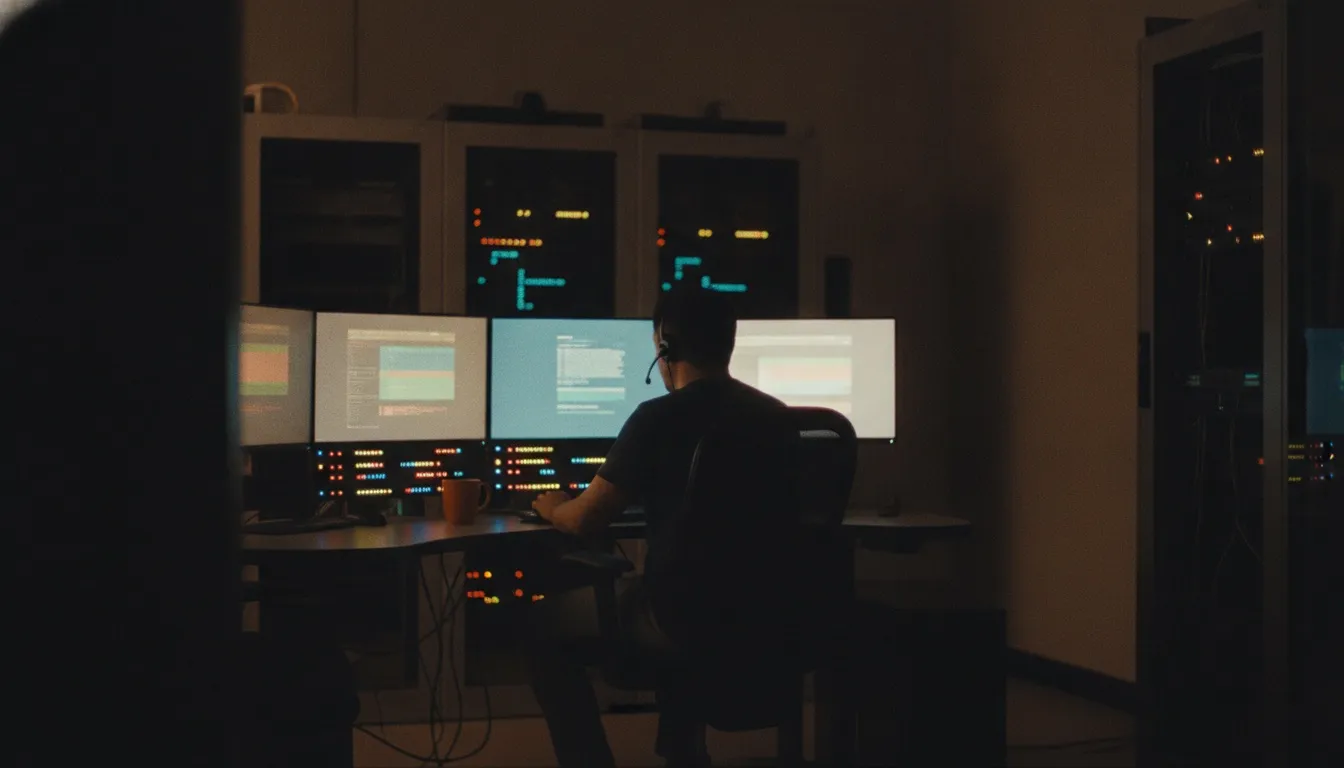
A night-shift IT technician monitoring several screens in a dim network operations room, status lights glowing, screens too soft to read

/Offshore · IT support

Offshore IT support for the hours your team is offline.

Offshore IT support places technicians in a distant time zone, so someone is watching your systems and working tickets while your own team sleeps. We run offshore teams in the Philippines, India and Egypt through partner centers we select and manage. This guide covers after-hours cover, 24/7 monitoring, follow-the-sun ticket queues, the security controls to set first and where nearshore is the better choice.

What offshore IT support is

An offshore IT team works from a country several time zones away. Its normal working day falls during your night, which is the point.

The Philippines is on UTC+8 and India on UTC+5:30, and neither uses daylight saving time. Egypt is on UTC+2, or UTC+3 in summer. A team in any of them can cover hours your US staff are offline without anyone working a graveyard shift.

Technicians can also work night shifts aligned to US hours. That works for documented Tier 1 queues, but for live help during the user’s day, nearshore is usually the stronger fit.

Source: IANA Time Zone Database

Work that suits an offshore desk

Offshore works best where the steps are already written down and the work doesn’t need your users awake.

  • Watching servers, networks, backups and cloud services overnight and on weekends.
  • Working tickets logged after hours, so the morning starts with a short queue.
  • Patching and approved changes during maintenance windows.
  • Password resets and locked accounts for staff traveling or working late.
  • Account admin and offboarding tasks that are scheduled for a set time.
WorkOffshore fitWhy
Monitoring and alertsStrongRuns around the clock and follows written runbooks
After-hours ticketsStrongQueues are cleared before your users log in
Planned maintenanceStrongPatching and changes happen while nobody is working
Documented Tier 1GoodClear steps and identity checks carry most of the work
Live Tier 2 with usersWeakThe user is usually asleep or the fix needs your staff

What 24/7 monitoring actually involves

Monitoring tools raise alerts on their own. The value of an offshore team is a person who reads each alert, follows the runbook and decides what happens next.

Write those decisions down before launch. Some alerts need a restart and a note. Some need a ticket for the morning. A few need a phone call to someone on your side, at any hour.

We don’t promise uptime figures, because uptime depends on your systems as much as on the people watching them. What you can agree is who does what, in which order, for each type of alert.

  • A list of alerts by severity, with the action for each one.
  • An on-call list on your side, with who gets called and when.
  • What a technician may restart or roll back alone, and what needs approval.
  • A short overnight report of every alert, action and open item.

How a follow-the-sun ticket queue works

Follow-the-sun means the queue never closes; it changes hands. Here’s the path of one ticket a US employee logs at 9 p.m. Eastern.

  • 9 p.m. Eastern: the ticket arrives in your ticketing system and is routed to the team in the Philippines, where it’s already morning.
  • Overnight A technician works it from the runbook. If it needs your approval or a hand on a device, the technician logs what was tried and what’s needed.
  • Before your day starts The shift’s handoff note lists open tickets, overnight alerts and anything that needs a decision.
  • US morning Your team or nearshore desk picks up from the note, and the user gets a fix or a clear next step.

Service desk tiers across time zones

Tiers sort tickets by how much skill and access a fix needs. Tier 1 is password resets, locked accounts and how-to questions. Tier 2 is device, software and permission problems. Tier 3 is servers, networks, security incidents and root-cause fixes.

An offshore team usually owns overnight Tier 1, monitoring and scheduled Tier 2 work. Tier 3 stays with your senior engineers, who get called only when the runbook says so.

That split keeps a small number of people on call while most of the night’s work still gets done.

Escalation when something breaks at night

An offshore desk can’t touch hardware in your office. A failed switch or a dead server needs your on-site staff or a field-service vendor, so name them in the runbook with their after-hours contacts.

For everything else, the rule is simple. The technician acts alone inside agreed limits, calls your on-call person above them and writes everything into the ticket.

Review the escalations each month. If your team keeps getting called for the same thing, either the runbook or the technician’s permissions need to change.

Security for an overnight admin team

An overnight team often works when nobody on your side is watching, so controls matter even more. Least privilege, a principle in NIST’s security controls catalog, means each person gets only the access their tasks need.

CISA advises every business to require multifactor authentication, preferring phishing-resistant methods where possible.

Sources: NIST SP 800-53 Rev. 5, control AC-6 (least privilege) CISA, Require multifactor authentication (small and medium businesses)

  • Separate admin accounts for technicians, scoped to their tier and the systems they monitor.
  • MFA on every technician account and every tool.
  • Audit logs on identity, ticketing, monitoring and remote-access tools, reviewed by your side each week.
  • Client-owned tooling: your ticketing system, your monitoring console, your password manager.
  • Elevated rights granted for a set window, such as a maintenance window, then removed.
  • A named person on your side who switches off a technician’s access the day they leave.

Offshore compared with nearshore and onshore

Cost falls as distance grows, and so do shared hours. Here’s how the models compare for IT support.

Onshore (US)Nearshore (Mexico, Colombia)Offshore (Philippines, India, Egypt)
Relative costHighestMiddleLowest
Overnight coverCostly night shiftsPossible, harder to staffNormal working day
Live help for usersFull dayMost or all of the dayOnly with night shifts
Runbook needsLightModerateFully written and kept current
Best forOn-site and regulated rolesDaytime desk and live escalationMonitoring, after-hours and documented queues

When nearshore IT support is the better fit

If most of your tickets come from people who need help while they work, offshore makes them wait. Onboarding days, a laptop that won’t connect before a client call and access requests that need a manager’s approval all go faster with a desk on your hours.

Spanish-speaking users are another reason. The Philippines, India and Egypt are English-first markets, while Mexico and Colombia offer native Spanish in US hours.

A common blend runs the daytime desk in Mexico or Colombia and sends monitoring and after-hours tickets offshore. OTRO runs both through partner centers we select and manage, under one contract and one set of reports.

Frequently asked questions

What is offshore IT support?

It’s IT support run from a distant time zone, usually so technicians work during your night. We use the Philippines, India and Egypt through partner centers we select and manage. Typical work is monitoring, after-hours tickets, maintenance windows and documented Tier 1 queues.

Can offshore IT support give us 24/7 coverage?

Yes, usually as a blend. An offshore team covers your night and weekends, while your own staff or a nearshore desk covers the day. The handoff note at each shift change keeps one queue moving across all of them.

What should stay with our in-house IT team?

Anything on site, such as hardware swaps and office network work, plus Tier 3 decisions: major changes, security incidents and vendor escalations. The offshore team handles monitoring, documented fixes and scheduled tasks, and calls your on-call person when the runbook says to.

Do offshore technicians use our tools?

Yes, and that’s the usual setup. They work in your ticketing system, monitoring console and remote-support tool, with accounts you create and can switch off. Your data and reports stay in one place.

How much does offshore IT support cost?

Offshore is usually the lowest-cost of the three models, followed by nearshore, then onshore. The price depends on hours, alert and ticket volume and how much is documented, so we quote per scope. A cheap desk that wakes your engineers every night isn’t cheap.

Cover the hours your team is offline

Tell us your systems, users, tools and the hours you need covered. We’ll come back with a written plan: what runs overnight, who gets called and the access setup for a pilot.

Get a delivery plan